

What is GPU Cloud and how does it work?
GPU Cloud is a new way of processing and rendering graphics. Instead of relying on a single computer or server to do all the work, GPU Cloud spreads the load across multiple computers. This can help cut processing time and improve overall performance. To use GPU Cloud, users simply install a compatible graphics card in their computer. GPU Cloud takes care of the rest, automatically distributing the workload among the available computers. GPU Cloud is also designed to scale as more computers are added to the network. This means it can easily handle complex graphics rendering tasks, making it an ideal solution for businesses and organizations that need high-performance computing power.
The benefits of using GPU Cloud for work
For many people, working from home has become the new normal. But working from home can bring its own challenges, especially when it comes to accessing the resources you need to do your job. A cloud GPU can help solve some of these problems by providing remote access to powerful computing resources.
One of the biggest advantages of using a cloud GPU is that it can help you avoid investing in expensive hardware. If you only need a GPU for a few hours a week, or even just a few hours a day, it makes no sense to buy your own. With a cloud GPU, you simply pay for the time you use, which can save you a lot of money in the long run.
Another advantage of using a cloud GPU is that it gives you more flexibility in your work schedule. If you need to access a GPU at odd hours or during periods of heavy demand, a cloud GPU can be a great solution. You can also use a cloud GPU if you need to work remotely from another location. This can be especially useful if you are traveling and don't have access to your own computer.
Finally, using a cloud GPU can help improve your productivity. With direct access to a powerful GPU, you can work more efficiently and get more done in less time. That can free up more time for other activities, such as relaxing or spending time with family and friends.
Overall, using a cloud GPU for remote work has many advantages. If you are looking for a way to boost your productivity and save money, a cloud GPU may be the perfect solution for you.
How to set up GPU Cloud for your business
If you have a business or project that needs access to GPUs, you can set up a cloud GPU with us. This is a great option if you don't have the space or budget for an on-premises GPU. Here is how to do it:
First, you will need to get in touch through the SATOSHI SPAIN contact form, which you can find on the home page. A specialist technician will contact you to understand your needs. We will offer you GPU instances comparable to those from Amazon Web Services (AWS) or Google Cloud Platform (GCP), but at a lower cost per use, with latest-generation components and personalized customer service. Next, you will get access to the control panel, where you can create an account and set up your billing details. Once that is done, you can launch a GPU instance.
Then you will need to install the programs or plugins you need to do the work you have in mind.
Tips for optimizing performance when using GPU Cloud
There are a few things you can do to optimize performance when using a cloud GPU. First, make sure you are using the latest drivers from your GPU vendor. Second, use a tool such as NVIDIA's nvidia-smi to monitor your GPU usage and make sure you don't exceed your instance's limits. Finally, use a tool such as NVLINK to connect your GPUs to each other and boost performance. By following these tips, you should be able to get the most out of your cloud GPU.
Case studies of companies that have successfully used GPU Cloud
In recent years, there has been an explosion of interest in using GPUs for cloud computing. In a cloud GPU system, a server hosts one or more powerful graphics cards that are made available to remote users over the internet. This type of system has a number of advantages over traditional CPU-based systems, including improved performance and scalability. As a result, cloud GPUs are being used by a growing number of organizations, from small businesses to large corporations. In this article, we look at three case studies of companies that have successfully used cloud GPUs to improve their business.
The first company is a small design studio specializing in 3D rendering and animation. In the past, the company had relied on CPU-based servers for its rendering needs. However, as the company grew and began taking on more projects, it became clear that the CPU system could no longer keep up with demand. The company decided to switch to a cloud GPU system and is very happy with the results. The system has allowed it to increase its rendering capacity without incurring significant additional costs.
The second company is a large online retailer that sells a wide variety of products. The company's website relies heavily on image-based content, such as product photos and user-generated images. To keep up with demand, the company decided to replace its CPU-based servers with cloud GPUs. The results have been impressive, with page load times cut by almost 50%. The company has also been able to save money on bandwidth costs thanks to lossless compression techniques that are only possible with GPUs.
The third company is a gaming platform that gives users access to thousands of different games. The platform uses a games-as-a-service (GaaS) architecture, meaning that all games are hosted on remote servers. To give users the best possible experience, the platform relies heavily on GPU-based servers. Thanks to cloud GPUs, the platform has been able to expand its gaming capacity without incurring significant additional costs.
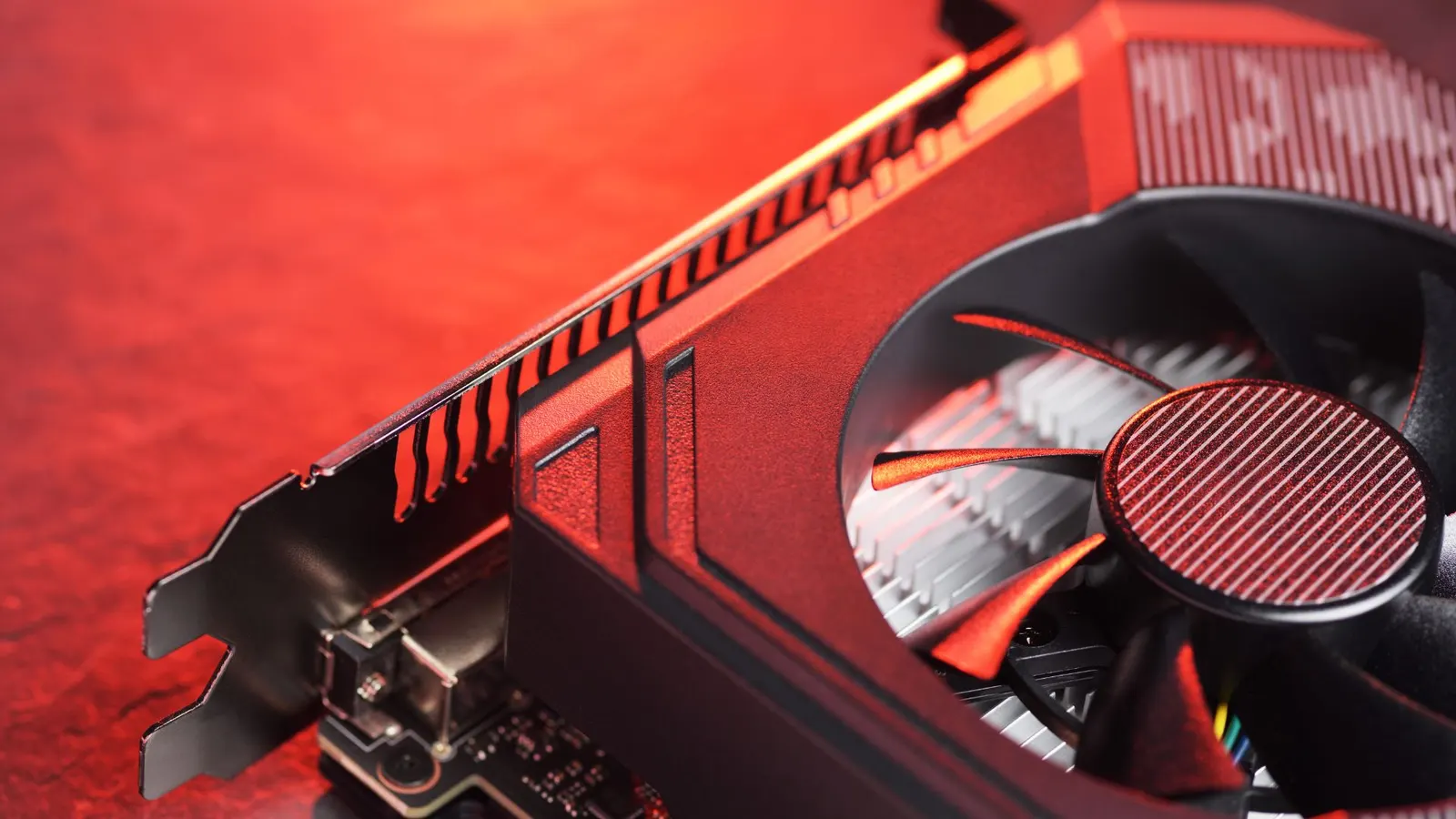
GPU Cloud has revolutionized the way we work. By providing a secure and efficient platform for remote workers to access the resources they need, businesses can improve their productivity and their results. If you are looking for a way to increase efficiency and optimize your company's performance, consider using GPU Cloud.
Graphics memory is essential in 3D graphics. It temporarily stores image data for a surface, such as texture or color. The texture unit applies the image to a surface, and the GPU (short for Graphics Processing Unit) is the graphics processor that processes and applies an image in real time.
Today, GPUs are standalone processors with a graphics processing unit, and they are used in a wide variety of applications, from ray tracing to artificial intelligence and deep learning.
The graphics card chip is the heart of the GPU and is responsible for processing graphics information in real time. The GPU also uses RAM to store temporary data that is used to generate high-quality images.
In short, the GPU (Graphics Processing Unit) is a graphics processing unit that applies an image in real time. It is essential in 3D graphics and enables the creation of high-quality images in real-world applications, from video games to artificial intelligence.